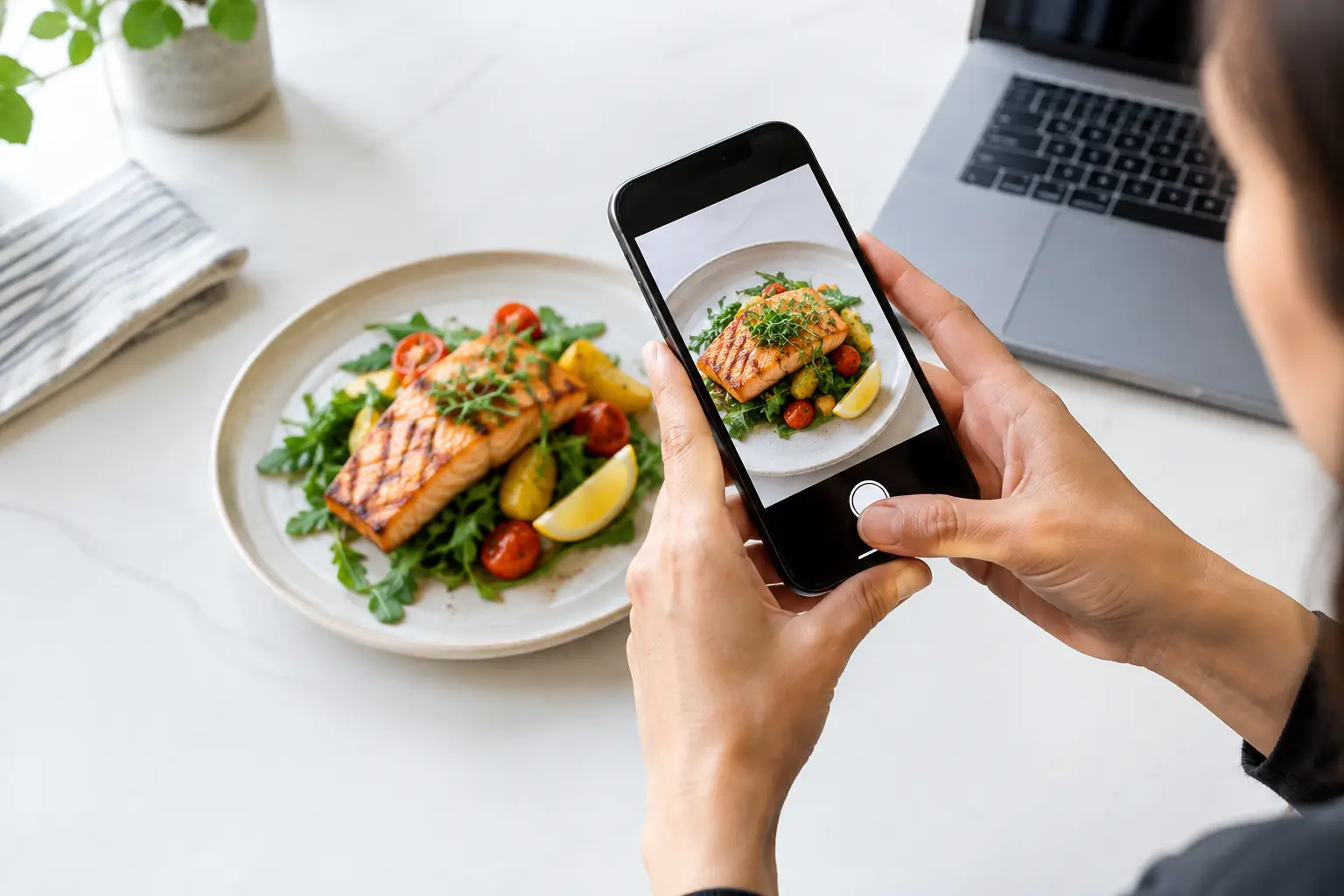
That glossy burger photo can make a decision in seconds – but only if it represents the meal that will actually arrive. A menu image verification review is the process of checking whether a restaurant dish photo is accurate, current, clear, and genuinely useful before diners rely on it. It is a small quality check with a big payoff: fewer disappointing orders, less wasted money, and more confidence for everyone at the table.
For diners who are tired of guessing from vague menu descriptions, real food images are more than a nice extra. They are practical information. For people with visual impairments or decision fatigue, they can also make a menu easier to navigate and a dining decision feel more accessible.
Why a menu photo needs verification
A dish image can answer questions a menu description skips. Is the sauce served on top or on the side? How much food is on the plate? Does the salad include ingredients you want to avoid? Is the “spicy chicken sandwich” a crispy cutlet, grilled chicken, or something covered in slaw?
But photos can also create the wrong expectation. A picture may show an older recipe, a special presentation, a larger portion, or add-ons that are not included. It may even be a stock image that looks appealing but has no connection to the restaurant’s actual food. When that happens, the image stops being useful information and becomes a sales promise the meal may not keep.
Verification protects the value of visual menus. It does not mean every plate must look identical. Food is made by people, ingredients change by season, and a hand-built burrito will never have the precision of a catalog photo. The goal is not perfection. The goal is an honest, recognizable preview of what a diner can reasonably expect to receive.
Menu image verification review: five questions that matter
A useful review should be fast enough to support a growing photo library while still catching the details that affect a diner’s choice. Start with these five questions.
- Does the photo match the named menu item? Check the main protein, base, toppings, sides, and format. A photo of tacos should not be attached to a burrito simply because both use the same filling. Similar dishes can have meaningful differences.
- Does it match the current description? Compare visible ingredients with the listed item. If the menu now says avocado crema and the photo shows plain sour cream, the image may be outdated. If a drink, side, or garnish appears in the photo but is not included, that should be clear.
- Does it show a realistic portion and presentation? A photo does not need to capture every bite, but it should not hide the scale of the dish. Wide plates, tight crops, and decorative styling can make portions difficult to judge.
- Is the image clear enough to help? Blurry, dark, over-filtered, or heavily edited photos make details harder to see. Natural-looking color and enough light to identify the food are usually more helpful than dramatic restaurant lighting.
- Is there a reason to question it? Look for clues such as a mismatch between the plate and the restaurant’s service style, visible menu changes, an image that looks professionally generic, or customer comments that consistently describe something different.
These questions work best together. A bright, beautiful photo is still a poor fit if it shows the wrong version of the dish. On the other hand, an imperfect phone photo can be incredibly valuable when it clearly shows the actual meal a diner is likely to get.
Accuracy is more useful than polish
Restaurant marketing photography has a role. It can communicate mood, highlight a signature dish, and make people excited to visit. Yet highly styled images are not always the most useful images when someone is choosing between a $17 entrée and a $17 mistake.
Community photos bring a different kind of value. They show meals in real conditions: the takeout container, the amount of sauce, the real size of the fries, and the way a dish looks after it leaves the kitchen. That context helps diners make decisions based on reality rather than a perfect ad campaign.
There is a trade-off. User-generated photos can vary in quality, and a single photo should not automatically become the final word on a menu item. Recipes, suppliers, and plating can change. The answer is not to reject real-world photos because they are less polished. It is to review them carefully, label them clearly, and use several recent contributions when possible.
That is the kind of transparency Pic-ture That!™ is built to encourage: real images that help people order with more clarity, while giving the community a meaningful role in making menus easier to understand.
What to do when the image is only partly right
Not every photo deserves a simple yes or no. Sometimes an image is accurate enough to be helpful but needs context. A seasonal dish may be recognizable even though the garnish has changed. A diner may have requested onions on the side. A bowl may look slightly different because the restaurant rotates vegetables or uses a different container for delivery.
In these cases, the most useful approach is to keep the image when the core dish is still clear and add a note or label when one is available. Something as simple as “customer customization shown” or “recent photo, presentation may vary” preserves the image’s value without pretending it is an exact promise.
The line is crossed when the difference changes the purchase decision. If the image shows shrimp but the menu item is now chicken, it should not remain attached. If the pictured meal includes a side that costs extra, that needs correction. If the photo is so dark that a person cannot tell whether the dish contains cheese, meat, or vegetables, it is not doing its job.
Build accessibility into the review
Visual menus are often discussed as a convenience feature, but they can support dining equity when they are designed thoughtfully. Images give people another way to process menu information, especially when a text description is incomplete, unfamiliar, or cognitively overwhelming.
Still, an image alone is not fully accessible. Someone using a screen reader needs useful text that identifies the dish and describes key visible elements. “Photo of food” does not help much. “Grilled salmon over rice with roasted broccoli and lemon” gives a diner usable context. Descriptions should focus on observable details, not assumptions about taste, allergens, or nutrition.
Reviewers should also avoid treating visual information as a substitute for ingredient and allergen details. A photo can show what appears to be a creamy sauce, but it cannot reliably confirm whether it contains dairy, nuts, gluten, or a specific spice. When health or allergy needs are involved, diners should always confirm directly with the restaurant.
A better standard for shared food photos
The strongest menu image libraries do not ask, “Is this photo pretty enough?” They ask, “Will this help a real person choose with confidence?” That shift changes everything.
A helpful contributor photographs the full dish when possible, uses enough light to show the food, and submits the image under the correct menu item. A thoughtful reviewer checks the menu description, watches for outdated details, and respects the difference between normal variation and a misleading mismatch. Restaurants benefit too: better expectations can mean happier guests and fewer avoidable complaints.
The next time you share a meal photo, think of the person scrolling the menu while hungry, rushed, visually impaired, or simply unsure what to order. A clear, honest image can turn uncertainty into a choice they feel good about.
Leave a Reply