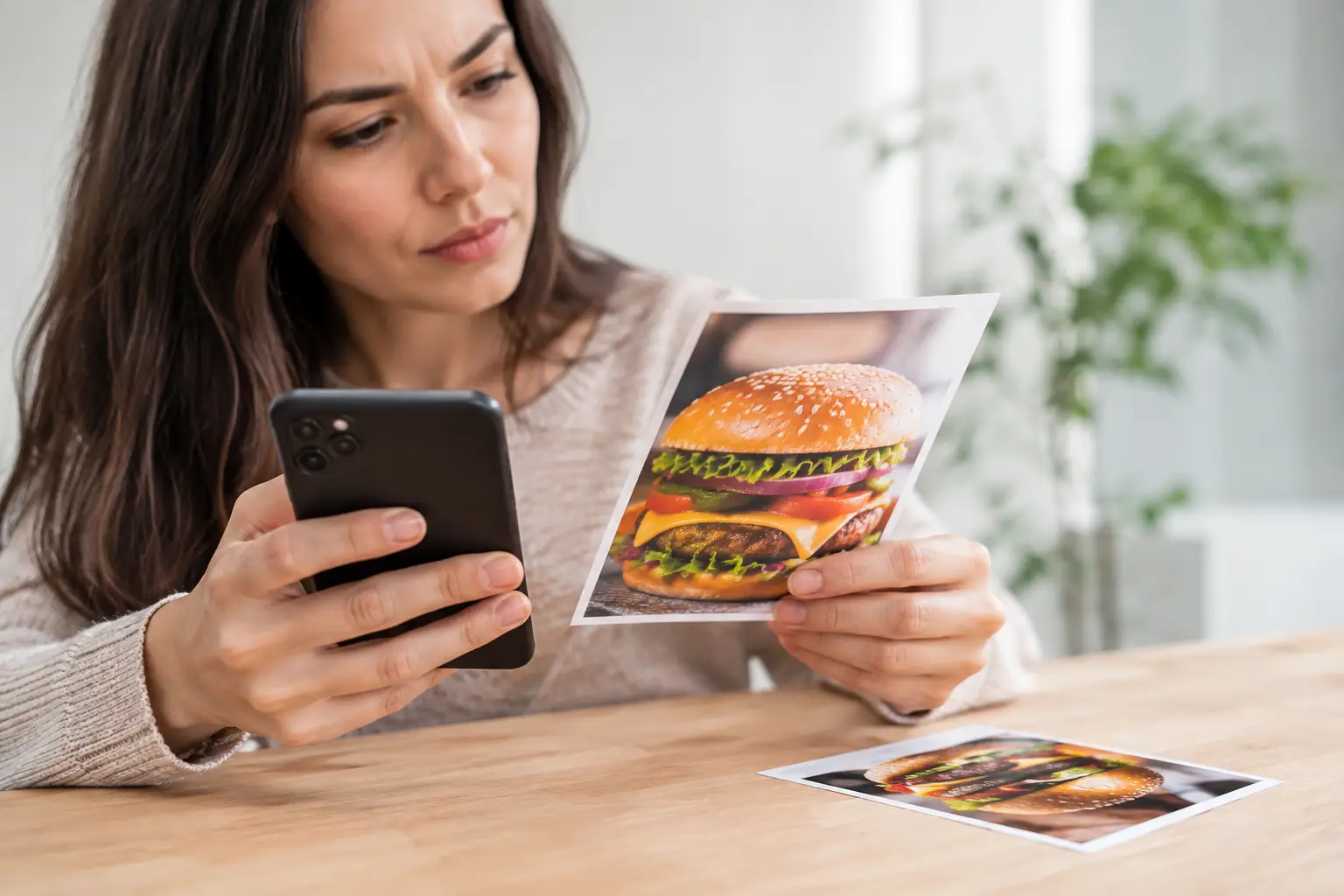
You ordered the dish that looked like a stacked burger with crisp fries, bright toppings, and a generous portion. What arrived was noticeably smaller, missing key ingredients, or barely resembled the photo. When that happens, knowing how to report misleading menu images can turn a frustrating order into useful feedback – and help make the next diner’s choice clearer too.
Not every difference is deception. Food is prepared by people, ingredients vary, and a photo cannot promise that every plate will look identical. But customers deserve an honest visual reference, especially when images influence what they spend, what they can eat, and whether they feel confident ordering in the first place.
When is a menu image misleading?
A menu photo is not misleading simply because a garnish is placed differently or the lighting is less flattering in real life. The question is whether the image created a reasonable expectation that the delivered meal did not meet.
That can include a photo showing a much larger portion than the standard serving, displaying ingredients that are not included, or featuring a premium version while the menu listing is for a basic one. It may also include an image attached to the wrong item entirely. A chicken sandwich photo beside a plant-based sandwich description, for example, is more than disappointing for someone avoiding meat. It can create a real accessibility and dietary safety concern.
Context matters. Restaurants may use photos labeled “serving suggestion,” show optional add-ons, or note that presentation varies by location. Those disclosures can help, but they should be easy to see and specific enough to be useful. Tiny fine print does not fix a photo that gives the wrong overall impression.
Document the order before you contact anyone
The strongest report is calm, specific, and easy to verify. Start by saving a screenshot of the menu image, item description, listed price, and any notes about portion size or included sides. Then take a clear photo of what you received before changing it, if possible.
Keep your receipt or order confirmation. If you ordered through a delivery app, save the order number and the time the order arrived. These details make it easier for a restaurant or platform to identify the listing and review what went wrong.
Try to describe the gap rather than relying on broad labels. “The photo showed avocado and bacon, but neither was listed or included” is more helpful than “This was a scam.” “The bowl pictured appeared to include rice, vegetables, and tofu, but the delivered item contained only greens and dressing” gives the business something concrete to investigate.
This approach protects your credibility while also making room for honest mistakes. A restaurant may have used an outdated image after changing a recipe. A third-party platform may have matched the wrong photo to the menu item. The result still deserves attention, but knowing the source can lead to a faster fix.
Report misleading menu images to the restaurant first
When you can, contact the restaurant directly before escalating. Call during a quieter time, use its customer service channel, or speak with a manager if you are still on-site. Be clear about what you ordered, what the image showed, and what arrived.
Ask for the outcome you actually want. That might be a refund, a replacement, clarification about the dish, or simply a request to update the photo. If the order was expensive or the mismatch affected a dietary need, say so plainly. Restaurants cannot address details they do not know.
A fair message can be short: “I ordered the grilled chicken bowl because the menu photo showed chicken, rice, roasted vegetables, and sauce. The bowl I received had greens and a small amount of chicken, with no rice or vegetables. Could you please review whether the photo matches the standard item and let me know how you can help?”
Give the restaurant a reasonable chance to respond. Independent restaurants may not control every image displayed on a delivery marketplace, and staff members handling an active shift may need time to check with an owner or manager. A thoughtful response and a corrected listing can be a meaningful win, even if the first interaction is imperfect.
If you ordered through an app, report it there too
Delivery and ordering platforms usually have an in-app path for reporting an incorrect, missing, or misrepresented item. Use it while the order details and photos are still available. Choose the closest issue category, then add a concise explanation and your evidence.
Be accurate about the problem. If the meal was prepared correctly but the image was outdated, say that. If the listing showed an included side that never arrived, distinguish that from a general quality complaint. Clear reports help support teams spot patterns across locations and menu listings.
If a platform offers a refund but leaves the misleading photo live, consider asking that the listing be reviewed as well. Compensation matters, but correcting the image prevents the same disappointment from being repeated. A menu should help people decide, not make them guess.
Escalate when the mismatch is serious or repeated
One off-looking plate may be a kitchen issue. Repeatedly using images that exaggerate portions, hide exclusions, or misrepresent allergens is different. If the restaurant or ordering platform ignores a clear, documented concern, keep a record of your communication and consider using a consumer complaint channel in your state.
For advertising that appears broadly deceptive, you can also report the concern to the appropriate consumer protection agency. Focus on facts: the advertised image, the item sold, the price, the date, and the business’s response. Avoid guessing about intent. Your experience is powerful evidence on its own.
You can leave a public review if it is honest, relevant, and based on your order. Share the difference between the image and the actual item, not personal attacks on staff. Reviews are most useful when they help other diners make informed choices and encourage businesses to make practical changes.
Why accurate food photos are an accessibility issue
Menu images are often treated as decoration. They are not. For many people, visuals reduce the cognitive load of choosing among unfamiliar dishes, ingredients, and portion sizes. For diners with visual impairments, usable image descriptions and accurate photos can work together to make menus more understandable. For people managing decision fatigue, food anxiety, sensory preferences, allergies, or a tight budget, seeing the real dish can make ordering feel less risky.
That is why accuracy matters as much as attractiveness. A beautiful photo can still be unhelpful if it represents a different portion, preparation, or product. Real, current images give people a better basis for deciding whether a meal fits their needs.
Community photos can help close this gap because they show food as it is actually served, not only as it is styled for a campaign. Pic-ture That!™ is built around that simple idea: clearer visuals can support more confident, more inclusive dining choices.
Help improve the menu, not just your own order
Reporting a misleading image is not about demanding perfection from every kitchen. It is about asking for a fair picture of what your money buys. Restaurants benefit too: customers who know what to expect are less likely to feel disappointed, request refunds, or leave confused reviews.
When you speak up with photos, receipts, and a clear explanation, you give a business a chance to correct the record. That small action can make the menu more honest for the next person deciding what to order – and help dining feel a little more accessible for everyone.
Leave a Reply