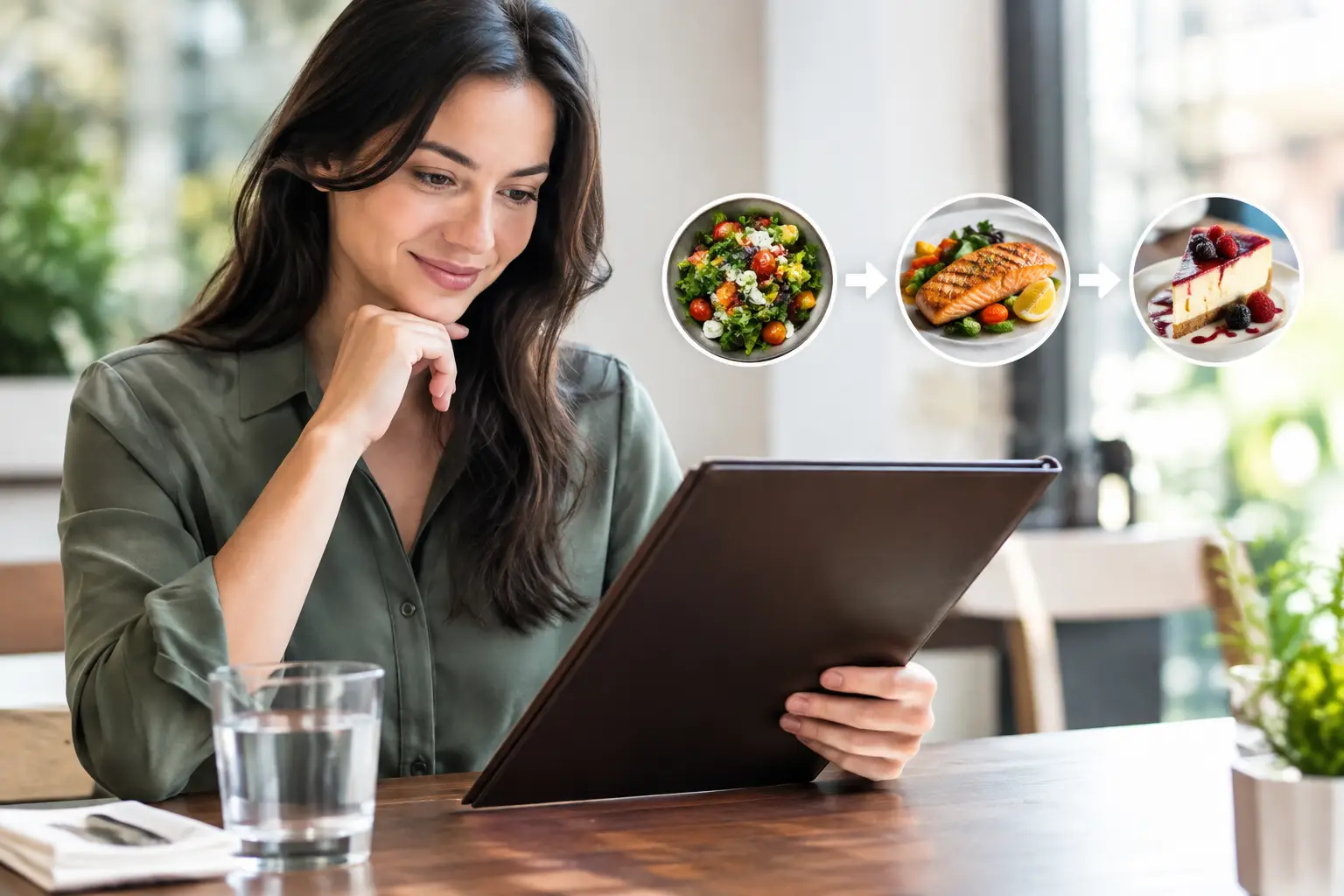
A menu says “crispy,” “spicy,” or “chef’s favorite.” But those words leave a lot to the imagination when you are hungry, on a budget, managing dietary needs, or simply tired of taking a chance on a $20 entree. A better dining decision workflow starts with one basic question: can you actually see what you are about to order?
For too long, restaurant ordering has asked diners to translate short descriptions into a full mental picture. Sometimes that works. Often, it leads to a disappointing plate, wasted money, or the familiar feeling of wishing you had ordered what someone else got. Food photos make that process clearer, more accessible, and much more human.
Why Text-Only Menus Create Friction
A text menu can tell you that a sandwich includes grilled chicken, aioli, greens, and a brioche bun. It may not tell you whether the chicken is breaded, whether the portion is generous, whether the greens take over the sandwich, or whether the whole thing looks like the meal you had in mind.
That gap is not trivial. Diners make choices based on portion size, texture, presentation, ingredients, familiarity, and appetite. When those details are hidden, people are forced to guess. The stakes can be even higher for someone with a visual impairment, a food sensitivity, an anxiety-inducing menu full of options, or decision fatigue after a long day.
More information is not always the answer. A menu with 60 descriptions can still feel impossible to navigate. What helps is useful information: an authentic image, a clear description, and a simple way to narrow choices based on what matters right now.
The Dining Decision Workflow: See, Filter, Choose
The most practical dining decision workflow is not about turning lunch into a research project. It is about reducing uncertainty quickly enough that choosing food feels easy again. Think of it as a three-part process: see the real dish, filter for your needs, then choose with confidence.
1. Start with the meal you want, not the whole menu
Before scrolling, pause for a few seconds. Are you looking for something light or filling? Familiar or adventurous? Quick to eat, easy to share, comforting, spicy, vegetarian, or packed with protein?
This small step matters because it gives your search a direction. Instead of asking, “What should I get?” ask, “What kind of meal would feel right?” That change helps cut through a long menu without making the decision feel restrictive.
If you are ordering with other people, this is also the moment to identify the non-negotiables. Maybe one person needs gluten-conscious options, another is avoiding dairy, and someone else wants a dish substantial enough to count as dinner. Seeing the plate alongside menu details makes it easier to compare options without playing guesswork roulette.
2. Look for authentic food photos
A polished promotional image can be useful, but authentic photos often answer the questions diners really have. What does the portion look like in real life? How much sauce is there? Is the salad mostly lettuce or loaded with toppings? Does the dish arrive as a neat bowl, a stacked sandwich, or a family-style plate?
Real images bring context that copy alone cannot provide. They help diners recognize ingredients, assess presentation, and set expectations before spending money. That is especially valuable when a menu uses broad labels such as “house pasta,” “loaded fries,” or “seasonal bowl.”
Photos should support the decision, not create a false promise. Lighting, angles, and individual preparation can vary. A dish may look a little different from one visit to the next. Still, an honest community photo is usually far more helpful than no visual reference at all.
3. Filter for what matters to you
Once you can see the options, narrow them by the factors that affect your experience. Price, dietary preferences, spice level, ingredients, portion size, and ordering context all belong in the decision.
For example, a bright, photo-forward pasta dish might look perfect, but a closer review of the description may reveal a cream sauce that does not fit your needs. On the other hand, a dish with a plain name may look fresh, generous, and exactly right once you see it.
The goal is not to overanalyze every meal. It is to give yourself enough clarity to avoid common disappointments. If a detail matters, verify it with the restaurant. Photos can show you a lot, but they cannot guarantee current ingredients, allergen handling, or preparation changes.
4. Make one confident choice and move on
Decision fatigue grows when every option stays open forever. After you have found a dish that fits your appetite, budget, and preferences, give yourself permission to choose it.
A good decision is not always the “perfect” decision. It is one that is informed, aligned with what you want, and free from unnecessary second-guessing. That is the real value of a clear workflow: less menu stress, more enjoyment when the food arrives.
What Makes Food Images an Accessibility Tool
Food imagery is often treated as decoration or restaurant marketing. It can be much more than that.
For people with visual impairments, visual menus need to be paired with accessible design, including meaningful image descriptions, readable text, strong contrast, and screen-reader-friendly navigation. An image without context is not automatically accessible. But when photos and descriptions work together, diners have more ways to understand an option and make an independent choice.
For people who experience decision fatigue, images reduce the mental work of translating unfamiliar language into a meal. For neurodivergent diners, a clear visual preview can make unfamiliar foods or environments feel more predictable. For anyone ordering in a hurry, seeing the dish can answer questions faster than a paragraph of menu copy.
Access is not one-size-fits-all. Some people need detailed descriptions. Others want to scan photos quickly. The strongest dining tools respect both paths instead of assuming every diner processes information the same way.
Community Photos Make Menus More Honest
Restaurant menus change. New dishes arrive, plating evolves, ingredients shift with the season, and online listings can fall behind. Community-powered food photos help keep the picture current.
When diners share what they ordered, they create a more useful resource for the next person deciding between tacos, noodles, salads, or a late-night burger. That contribution is small, but the impact compounds. One photo may help a first-time visitor pick a dish. A growing collection can make an entire menu easier to understand.
That is the idea behind Pic-ture That!™: helping people see real restaurant dishes before they order while inviting the community to add photos and earn rewards for their contributions. The value is not just the image itself. It is the shared confidence that comes from people helping each other make better choices.
Of course, community content needs care. A useful photo should be clear, relevant, and connected to the right menu item. It should represent the food honestly, not rely on heavy filters or misleading edits. Quality matters because trust matters.
Build a Better Habit Before Your Next Order
The next time a menu leaves you undecided, do not treat uncertainty as part of the dining experience. Start with what you want to eat, look for a real visual reference, check the details that affect your needs, and choose from a place of clarity.
That habit can save money, reduce frustration, and make restaurant ordering feel more inclusive. And when you have a meal worth showing, sharing a clear photo can make the next diner’s choice a little easier too.
Leave a Reply