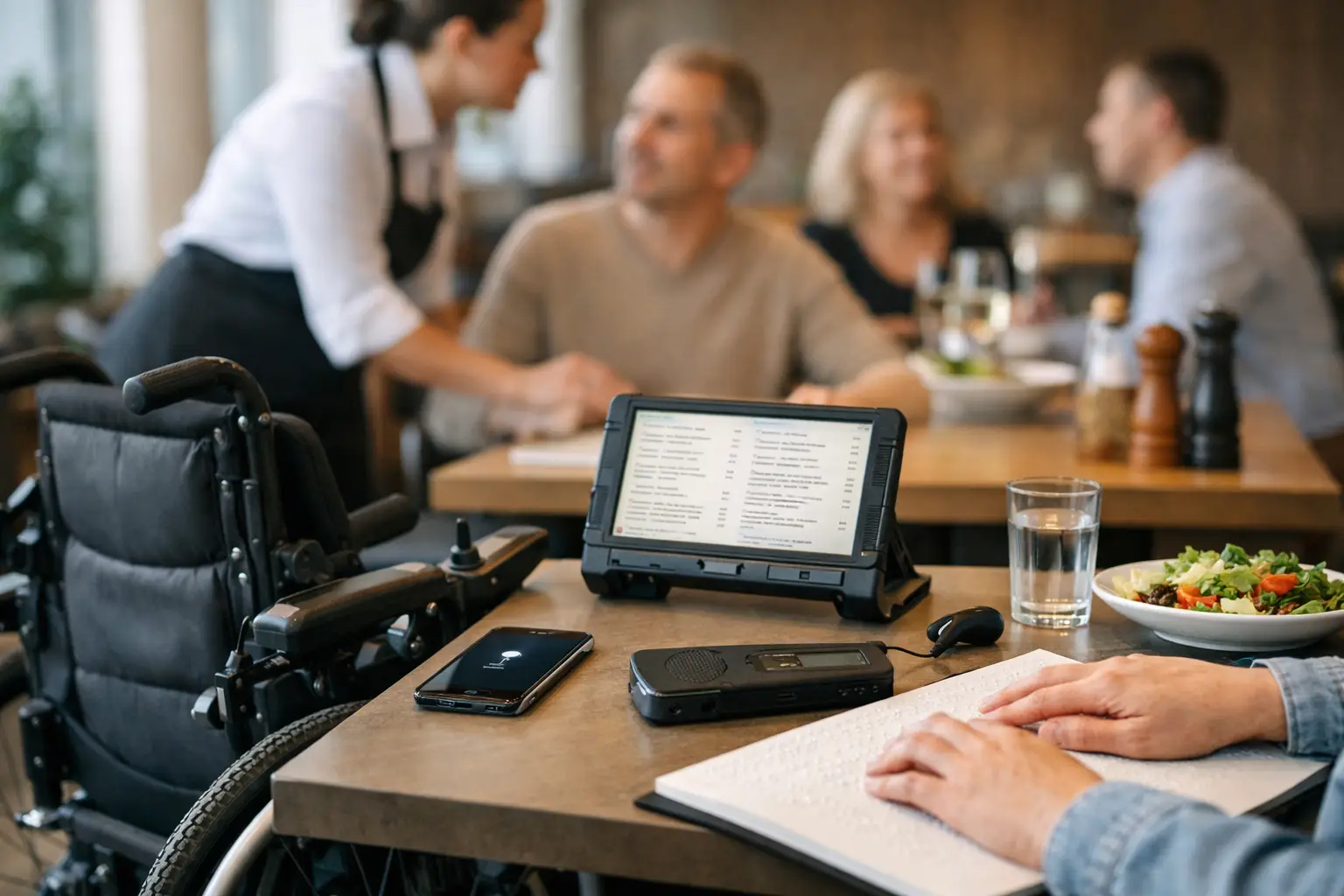
A menu can ask a lot of a diner. Picture a dish from a few words. Compare prices, portions, and ingredients. Decide quickly while the line moves or friends wait. For people with visual impairments, sensory sensitivities, dietary restrictions, mobility needs, or decision fatigue, that uncertainty can turn a simple meal into work. The best tools for accessible dining make the information clearer before an order is placed.
Accessible dining is not one feature or one kind of customer. A wheelchair user may need reliable entrance and restroom details. A screen reader user needs a menu that can be navigated and read aloud. Someone managing food allergies needs answers they can trust. And plenty of diners simply want to see what they are paying for before committing to an unfamiliar dish.
The most useful tools put choice back in the diner’s hands. Here are seven worth bringing into your next restaurant search.
1. Real dish-photo platforms
Text-only menus leave too much to imagination. Is the pasta a small appetizer portion or a generous bowl? Does “spicy” mean a light kick or a meal built around heat? Is the salad dressed heavily, topped with ingredients you avoid, or presented in a way that works for your sensory preferences?
Real photos provide context that descriptions often miss. They can show portion size, ingredients, sauces, textures, plating, and how a meal actually arrives at the table. For diners with visual impairments, accurate images paired with useful descriptions can add another layer of information. For anyone experiencing decision fatigue, a photo can make the choice feel much faster and less risky.
The key word is real. Heavily styled promotional photos can be useful, but community photos often better reflect what a guest will receive. Pic-ture That!™ is built around this idea: helping diners view authentic meal photos before ordering while inviting the community to add coverage and earn restaurant gift cards.
2. Screen readers and built-in phone accessibility settings
Your phone already includes powerful accessibility tools, and they can change the restaurant experience. VoiceOver on iPhone and TalkBack on Android read on-screen content aloud and help users move through apps, menus, reservation pages, and payment screens. Magnification, larger text, high contrast, color filters, and voice control can also make a small screen easier to use in a dim restaurant or on the go.
These settings work best when a restaurant’s digital menu is designed well. Clear headings, logical button labels, readable text, and image descriptions matter. A PDF menu that looks polished but cannot be searched or navigated with a screen reader creates a barrier, not a solution.
Before relying on a restaurant’s ordering page, take a quick look at how it behaves with your preferred settings. If it is difficult to navigate, calling ahead or using a platform with more usable menu information may save frustration later.
3. Maps with accessibility details and recent reviews
Maps are more than directions. They can help answer the practical questions that decide whether a restaurant is actually workable: Is there step-free entry? Is the doorway wide enough? Is accessible parking nearby? Is there an accessible restroom? Can a service animal be accommodated?
Reviews and recent customer photos can fill gaps that a pin on a map cannot. Look for details about ramps, elevators, seating layout, noise level, lighting, and curb access. The most recent feedback is usually more valuable than a vague review from three years ago, especially when a restaurant has moved, remodeled, or changed its patio setup.
Treat user reviews as helpful leads, not guarantees. Accessibility conditions can vary by entrance, time of day, staffing, and temporary obstacles. When one detail will make or break the visit, a quick call to the restaurant is still a smart move.
4. Reservation tools with a notes field
A reservation tool can be an accessibility tool when it lets diners share needs before arrival. Notes such as “step-free seating requested,” “space needed for mobility device,” “quiet table if available,” or “screen reader user may need menu support” give staff a chance to prepare instead of scrambling at the host stand.
Be specific without feeling pressured to share more than you want. A short request is often enough. For example, asking for a table with clear access from the entrance is more actionable than writing only “accessible seating.” If your need is essential, follow up by phone. Digital notes can be missed, particularly during a busy shift.
The trade-off is that reservation platforms only pass along the information. The restaurant still has to act on it. Choose places with a reputation for responsive service, and give them enough lead time when possible.
5. Allergy and ingredient tools
For diners managing allergies, celiac disease, diabetes, religious dietary requirements, or other food needs, menu filters can be a helpful starting point. They can narrow a long menu, flag common allergens, and make it easier to identify dishes worth asking about.
But filters are not a safety promise. Ingredient lists can be outdated, recipes can change, and cross-contact risks are often not captured in an app. Use the tool to shape better questions, then confirm with restaurant staff. Ask whether an item can be prepared safely, not just whether it appears to fit a category.
Clear digital menus help here too. When ingredients, substitutions, and preparation notes are easy to find, diners can spend less energy decoding a meal and more energy enjoying it.
6. Communication tools for calling, messaging, and ordering ahead
The best accessible dining plan is sometimes direct communication. Calling ahead lets you confirm access details, ask about a particular dish, request a modification, or find out when the restaurant is quieter. Messaging can be especially useful for people who prefer written communication or need a record of what was discussed.
Ordering ahead can reduce pressure at the counter and give diners more time to review choices with assistive technology. It can also make pickup easier when standing in a crowded waiting area is difficult. If an app offers special instructions, use them clearly and keep them focused on what the kitchen or staff needs to know.
Not every restaurant responds equally well through every channel. A smaller independent spot may be excellent by phone but slow to answer messages. A larger chain may have a polished app but limited flexibility. Use the channel that gets you a real answer.
7. Personal decision-support tools
Accessibility also includes mental energy. When every restaurant menu feels like a new research project, simple personal systems can help. Save favorite dishes and restaurants in a notes app. Keep a short list of questions you commonly ask. Use a checklist before trying a new spot: visual menu available, ingredients confirmed, access checked, and backup option nearby.
For sensory needs, it may help to note which environments worked well. Was the lighting comfortable? Could you hear your dining companion? Did the staff explain options patiently? Over time, these details become a personal dining guide built around your real preferences, not generic ratings.
This approach is not about making dining overly complicated. It is about reducing repeat uncertainty. A few saved notes can make the next decision easier, especially on a busy day when you do not have extra energy to compare ten menus.
How to choose the best tools for accessible dining
Start with the barrier you want to remove. If you need to know what a meal looks like, prioritize authentic dish photos. If navigating a digital menu is the challenge, test screen reader compatibility and text controls. If physical access is the concern, combine map details, recent reviews, and direct confirmation with the restaurant.
The strongest approach usually uses more than one tool. A map can get you to the right place, a photo platform can make the menu easier to understand, and a quick message can confirm a seating request. Each closes a different information gap.
Restaurants have a role here too. Accessible dining improves when menus use plain language, photos reflect actual dishes, digital content works with assistive technology, and staff treat questions as part of good hospitality. Transparency is not an extra. It is what lets more people participate fully in the simple pleasure of choosing a meal.
For your next order, try one small change: look for a real photo, check the access details, or ask the question that helps you decide with confidence. A better dining experience often starts before you walk through the door.
Leave a Reply