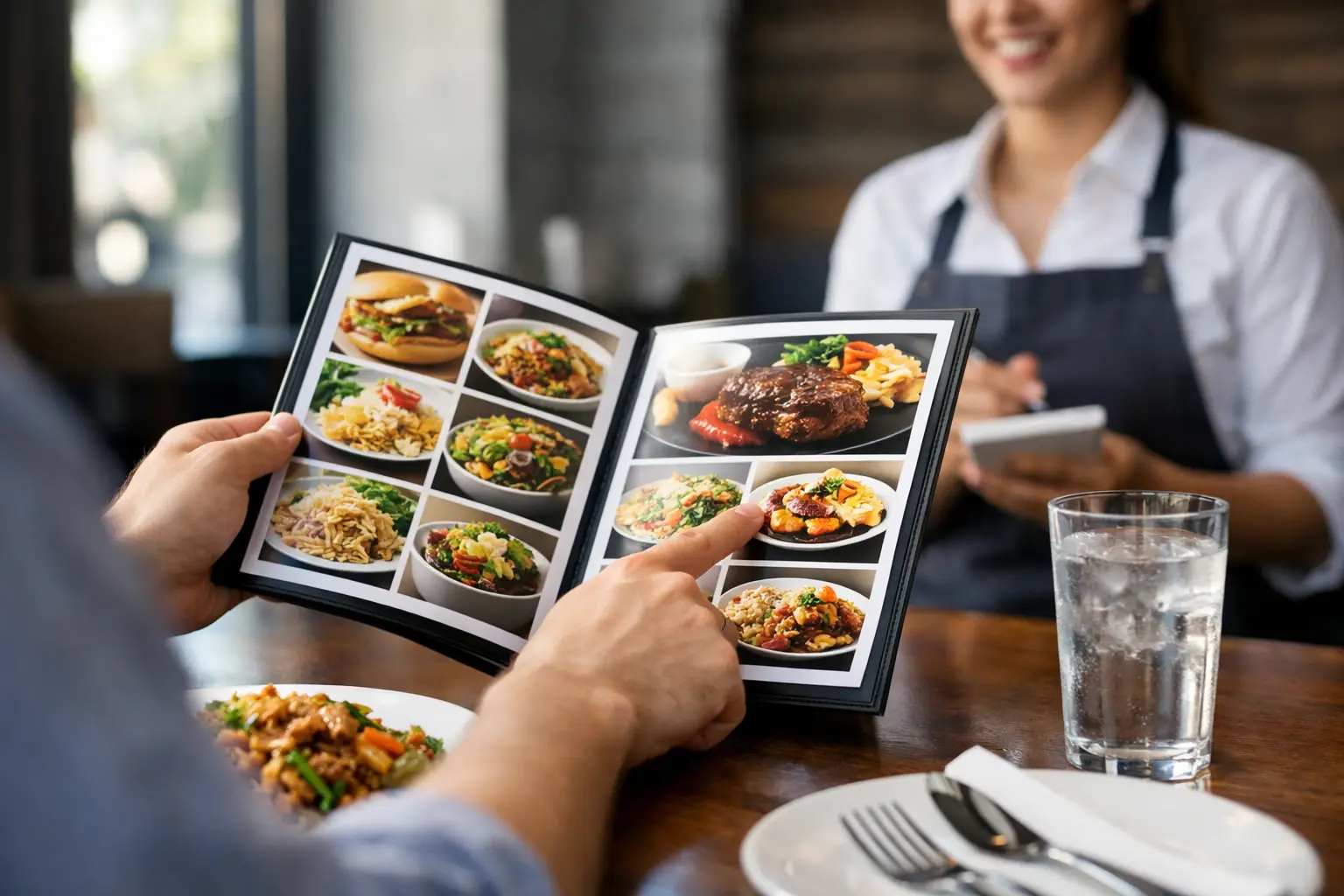
A menu says “crispy chicken sandwich.” But is it a thick, messy stack with a crunchy coating, or a small patty on a bun? That gap between description and reality is exactly why learning how to use photo menus can change the way you order. Seeing a real dish before you spend money gives you clearer expectations, faster decisions, and a better chance of loving what arrives at your table or door.
Photo menus are not just for foodies who want a more attractive lunch. They are a practical tool for anyone who has ever felt stuck between unfamiliar menu descriptions, worried about portion size, or disappointed by an order that looked nothing like they expected. For diners with visual impairments, decision fatigue, dietary concerns, or limited time, images can make restaurant ordering feel more accessible and less stressful.
Why photo menus make ordering easier
Text-only menus ask you to do a lot of guesswork. You have to picture the ingredients, estimate the serving size, interpret phrases like “house style,” and decide whether a dish is worth its price. A photo gives you another piece of useful information: what the restaurant is actually putting on the plate.
That visual context can help you spot whether a salad is hearty or light, whether a pasta dish is sauce-heavy, whether a sandwich includes toppings you would want removed, or whether an appetizer is enough to share. It can also reveal details that menus often leave out, such as the cut of meat, the style of bread, the amount of garnish, or how sides are served.
Photos are especially useful when you are trying a new restaurant, ordering from a cuisine you do not know well, or choosing for a group. Instead of each person interpreting the same short description differently, everyone can see the dish and talk about a shared reference point.
How to use photo menus before you order
Start by using photos to narrow your choices, not necessarily to make your final decision immediately. If a menu has dozens of items, scan the images for dishes that look appealing and fit the kind of meal you want. Then read the description carefully to confirm ingredients, preparation, and any customization options.
A photo should work alongside the written menu, not replace it. Images can show that a bowl has roasted vegetables, for example, but the description may tell you whether it contains nuts, dairy, meat, or a sauce you need to avoid. If an allergen, dietary restriction, or medical need is involved, always verify directly with the restaurant. A picture can support a confident choice, but it cannot promise every ingredient or preparation detail.
Once you have two or three likely options, compare them side by side. Look at the amount of food, the protein-to-side ratio, how the dish is plated, and whether it appears to match your appetite. A large-looking entree may be the better value when you are very hungry, while a smaller item may make more sense if you plan to add an appetizer or dessert.
Look for real, useful details
The most helpful photo menus feature authentic images of actual restaurant dishes. These photos do not need to look like a glossy advertisement to be valuable. In fact, a clear, honest photo often tells you more than a heavily styled promotional shot.
Pay attention to a few details as you browse. Notice the portion size relative to the plate or takeout container. Check how ingredients are distributed, especially if you are hoping for extra vegetables, plenty of protein, or a generous amount of sauce. Look at texture too. A photo may show whether fries are seasoned, whether a pizza has a thin or thick crust, or whether a dessert is layered, dense, or light.
Lighting and angle can affect what you see, so treat one photo as a helpful clue rather than a guarantee. Multiple photos of the same dish are even better because they show how food may vary across different visits, locations, or packaging formats.
Use images to ask better questions
Photo menus can also make it easier to communicate with a restaurant. Rather than asking a broad question like, “What is the chicken bowl like?” you can ask something specific: “Does it usually come with the sauce on top?” or “Can I get the vegetables shown in the photo without cheese?”
Specific questions save time for both you and the staff. They can also help you avoid common ordering surprises, such as a sauce mixed into a dish, a side that cannot be substituted, or a sandwich that arrives much smaller than expected. If you are ordering delivery, check whether the photo reflects dine-in plating or the actual takeout presentation. Some dishes travel better than others, and that matters when you are paying for convenience.
Make photo menus work for your access needs
Access to visual information should not be treated as a bonus feature. It is part of making dining choices more equitable. For people who process information visually, photos can reduce the mental work of translating vague food descriptions into a decision. For people with low vision, images paired with clear labels, readable text, and helpful descriptions can create more options than a text-heavy menu alone.
If you use a screen reader or have difficulty distinguishing visual details, look for platforms that provide descriptive context alongside images. A useful image description might identify the dish, major ingredients, portion style, and visible sides. “Chicken tacos” is a start; “three grilled chicken tacos on corn tortillas with diced onion, cilantro, lime, and rice” is far more actionable.
Decision fatigue matters, too. Restaurants can present a wall of choices when you are hungry, rushed, or ordering for others. Photos let you make faster first-pass decisions based on what feels right, then use text to confirm the details. That is not a shortcut or a less thoughtful way to order. It is a practical way to make menus easier to navigate.
Know what photos can and cannot tell you
A good photo menu creates transparency, but it still has limits. It cannot tell you whether the food will be hot, whether a steak will be cooked exactly to your preference, or whether an ingredient has changed since the image was uploaded. Restaurants update recipes, switch suppliers, and adjust portions. Community photos may also reflect a past visit rather than today’s exact plate.
Use the date of a photo, when available, as part of your judgment. Recent images are generally more useful, particularly for seasonal items, limited-time specials, and restaurants that change their menu often. If photos and written descriptions disagree, trust the restaurant’s current menu and ask before ordering.
It also helps to separate personal preference from accuracy. A photo may accurately show a dish that simply is not for you. That is still a successful outcome. Knowing that a meal looks too spicy, too creamy, too small, or too heavily topped before you buy it can prevent wasted money and a frustrating dining experience.
Help build a better photo menu community
Photo menus become more useful as more diners contribute clear, honest pictures. If you enjoyed a meal, taking a quick photo before you dig in can help the next person decide with more confidence. A useful contribution does not require professional equipment or perfect styling. Natural lighting, a clear view of the full dish, and an accurate dish name go a long way.
Try to photograph what was actually served, including sides and toppings when possible. Avoid filters that dramatically change color or make portions look different from real life. If you made substitutions, mention that so other diners understand what they are seeing. A burrito bowl without sour cream is still valuable, but it should not be presented as the default version.
Platforms such as Pic-ture That!™ turn those everyday food photos into a community resource, while giving contributors a chance to earn restaurant gift card rewards. Every accurate upload can help someone else skip the guesswork, whether they are choosing a birthday dinner, ordering lunch between meetings, or trying to manage decision fatigue after a long day.
The next time a menu leaves you wondering, pause before you settle for a guess. Find the photo, check the details, and choose the dish that feels right for you. A clearer menu can make room for a better meal.
Leave a Reply