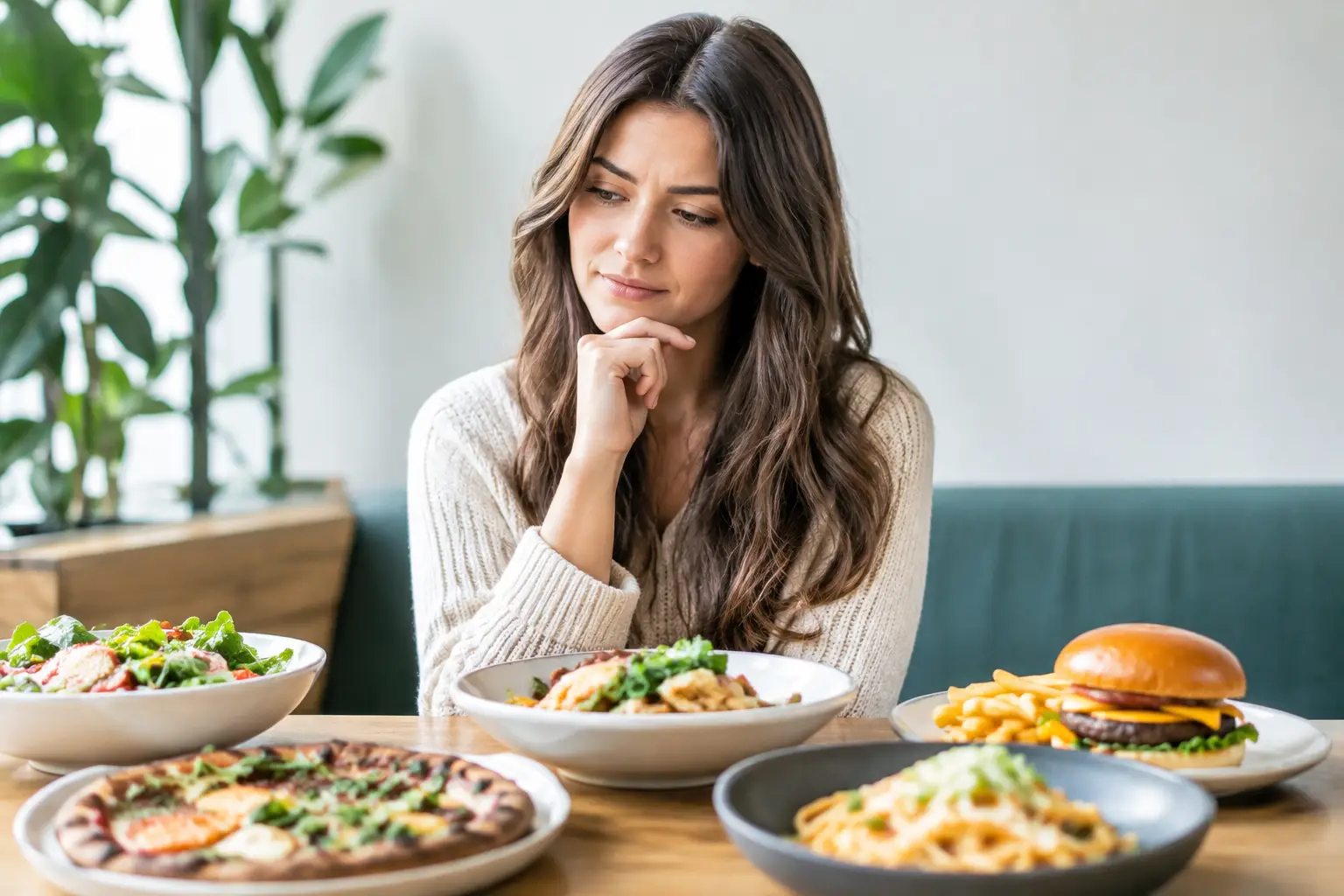
You open a restaurant menu looking for one satisfying meal. Ten minutes later, you are comparing sauces, sides, modifiers, prices, and photos that may not even show the item you want. To reduce restaurant choice overload, diners need more than a longer description or another filter. They need clear information that helps them picture the outcome before they spend.
That matters whether you are ordering a quick lunch, choosing a meal for a group, managing a food sensitivity, or simply trying to avoid the disappointment of a dish that sounded better on paper. Restaurant choice should feel personal and enjoyable, not like a high-pressure research project.
Why restaurant menus can feel like too much
Choice is valuable until every option requires effort to understand. Many menus now contain dozens of appetizers, entrees, combinations, add-ons, dietary labels, and customization paths. A larger menu can serve more tastes, but it can also create friction when the information is incomplete or difficult to compare.
Text-only descriptions leave major questions unanswered. Is the portion snack-sized or enough for dinner? Is the chicken grilled, breaded, saucy, or dry? Does “spicy” mean a little warmth or a meal you cannot finish? Is the bowl neatly layered, or does it arrive as a much smaller version of the photo in your head?
When diners cannot answer those questions quickly, they often default to the safest option, repeat an old order, abandon the cart, or make a choice they regret. That is not indecisiveness. It is a reasonable response to uncertainty.
Choice overload can hit especially hard for people who experience decision fatigue, have low vision, use screen readers, are unfamiliar with a cuisine, or need to be extra careful about ingredients. A menu may technically offer options while still failing to offer a confident path to choosing among them.
Reduce restaurant choice overload by making food visible
The fastest way to make a menu easier to navigate is to show what the food actually looks like. Real, accurate dish photos give diners information that words struggle to communicate: portion size, texture, preparation style, plating, toppings, and the relationship between ingredients.
Visuals are not just decoration. They are decision support.
A photo of a turkey club can show whether it is a towering sandwich or a modest lunch plate. An image of ramen can reveal a rich broth, a generous serving of noodles, and whether it includes the toppings you care about. For someone deciding between two salads, pictures can make the difference between ordering a hearty meal and accidentally choosing a side dish.
Authenticity is essential here. Styled promotional photography has its place, but it can set expectations that a real kitchen cannot consistently meet. Useful food images should represent the dish a diner is likely to receive. Multiple customer-contributed images can be even more helpful because they show the meal across different orders, lighting conditions, and presentations.
That is the thinking behind Pic-ture That!™: help diners see real restaurant meals before ordering, while letting the community build a more transparent menu experience one photo at a time.
What makes a food photo genuinely helpful
Not every image needs to be studio-perfect. In fact, a usable photo often matters more than a polished one. The most helpful photos keep the dish visible, show a reasonable sense of scale, and make key components easy to identify.
A clear image can answer practical questions in seconds: Is the sauce on top or on the side? Are the fries seasoned? How much avocado is actually included? Does the vegetarian dish look filling? These are small details, but they make the final decision feel less risky.
For diners with visual impairments, images should also be paired with meaningful descriptions and accessible app design. Alt text, logical navigation, readable contrast, and clearly labeled controls make visual menu discovery more inclusive rather than creating another barrier.
Use fewer, stronger decision cues
Photos help, but visual menus work best when they are paired with a few high-value cues. The goal is not to bury diners in more labels. It is to surface the information that makes comparison easier.
Start with the basics: price, portion context, key ingredients, dietary details, and preparation style. Then add guidance that reflects how people actually choose. A diner may care more about “great for sharing,” “lighter meal,” “very spicy,” or “crunchy and saucy” than a long list of culinary terms.
Restaurants and menu platforms should avoid treating every dish as equally important. Highlighting a few popular, staff-recommended, or community-loved choices can give diners a useful starting point. This is not about pushing people toward one answer. It is about reducing the blank-page feeling that comes from facing 80 possibilities at once.
There is a trade-off. Too much curation can make a menu feel limiting or overly promotional. The better approach is to offer gentle guidance while preserving room to explore. Let people browse the full menu, but make it easy to narrow choices by mood, meal type, dietary needs, or what looks good right now.
Build a quick decision routine before you order
Diners can also make restaurant decisions easier with a simple routine. Before scrolling through every category, decide what matters most for this meal. Are you trying to stay within a budget? Do you want comfort food, something fresh, a large portion, or an easy shareable option? Are there ingredients you need to avoid?
Choose two priorities, not ten. For example, “under $18 and filling” is enough to narrow a lunch decision. “Vegetarian and crispy” gives you a clear way to compare dinner options. A short priority list prevents the menu from turning into an endless search for a theoretically perfect dish.
Then use images to confirm the finalists. If two choices meet your needs, look at what each one actually includes and how it is served. This is where a real photo can save money and frustration. The better-looking option is not always the right choice, but seeing it lets you decide based on reality instead of guesswork.
For group orders, it can help to set a time limit and give everyone a decision lane. One person chooses the shareables, another handles drinks, and each diner picks from a narrowed category. That keeps a group from reopening the entire menu every time someone changes their mind.
Community photos create better menu confidence
Restaurant menus change often. Specials rotate, portions shift, and new dishes appear without much context. Community-powered photos can keep a menu discovery experience current in a way that a single restaurant photo shoot cannot always match.
When diners share what they ordered, they help the next person make a more informed choice. They also bring valuable perspectives that a menu writer may miss. One contributor may show that a dish travels well for delivery. Another may reveal how a gluten-free substitution is presented. Someone else may capture the size of a kids’ meal or show a local favorite that deserves more attention.
This kind of participation works best when contributors are recognized for the value they add. Rewards, such as restaurant gift cards, can encourage people to upload useful photos. Clear community standards matter too: photos should be relevant, respectful, and connected to the actual menu item.
The result is not just more content. It is a more honest and inclusive picture of what dining out really looks like.
Better choices should not require more effort
The best restaurant ordering experience does not force diners to become experts. It gives them enough clarity to move from “I have no idea” to “that is the one I want” without second-guessing every detail.
A well-designed visual menu respects different needs. Some people want to browse every photo. Others want fast filters and a dependable favorite. Some need accessibility features to participate independently. Some simply want reassurance that their money will buy a meal they will enjoy. A good tool makes room for all of those paths.
Next time a menu starts to feel like a wall of options, pause before choosing the familiar fallback. Pick your two priorities, seek out a real image, and let the meal in front of you guide the decision. More clarity can make room for the part of dining that should come first: enjoying it.
Leave a Reply