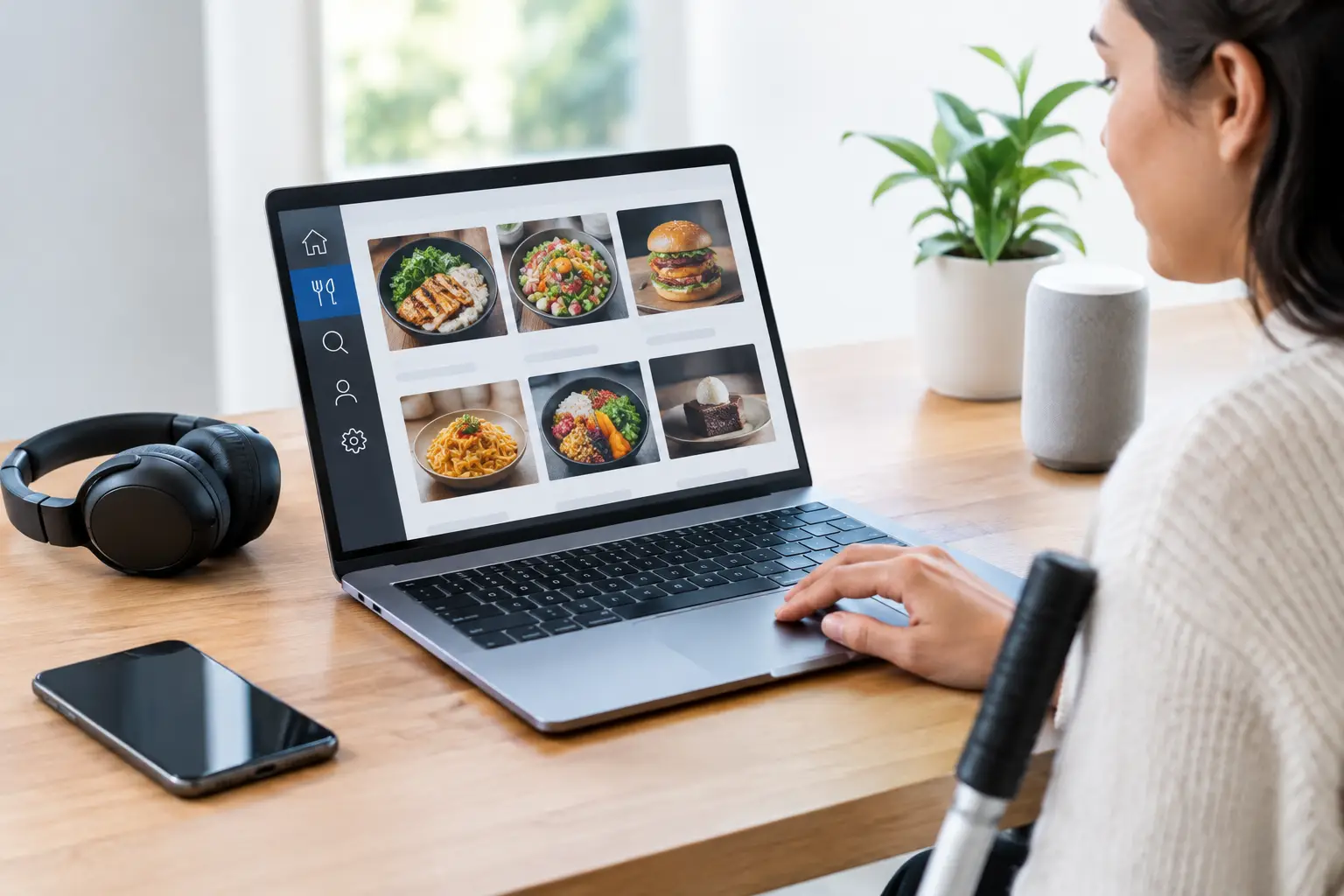
A menu can be the first barrier between a diner and a meal they actually want. Tiny type, vague descriptions, inaccessible PDFs, and missing photos can turn a simple lunch order into a guessing game. This review of menu accessibility tools looks at what helps people make confident choices – and where restaurants still leave too much work to the customer.
For diners with visual impairments, accessibility needs to mean more than a website that technically loads. For people with decision fatigue, food allergies, language barriers, or a tight budget, it also means getting clear information without having to ask three follow-up questions or risk an expensive disappointment. The best tools make menus easier to understand before an order is placed.
What menu accessibility should actually solve
Menu access has several layers. A screen reader needs structured text that announces dishes, prices, modifiers, and buttons in a logical order. A diner who processes information visually may need photos, clear grouping, and enough detail to distinguish a creamy pasta from a spicy tomato-based one. Someone managing allergies needs ingredients and cross-contact information they can trust.
No single tool solves every one of these needs. A beautiful visual menu can be frustrating if the images have no useful descriptions. An accessible online ordering page can still leave a customer uncertain if every dish description says only “chef’s special.” The strongest restaurant experiences combine readable text, usable controls, accurate food details, and authentic visual context.
That distinction matters because accessibility is not a bonus feature. It is part of whether someone can participate independently in choosing where and what to eat.
Review of menu accessibility tools by real diner need
Screen-reader-friendly digital menus
Accessible menu websites and ordering platforms are the foundation. At a minimum, dishes should be written as actual text rather than embedded in an image or a scanned PDF. Headings should separate sections like appetizers, mains, sides, and desserts. Buttons should have clear labels, and keyboard users should be able to move through the menu, select options, and complete an order without getting trapped in a pop-up.
This is the category with the biggest impact for blind and low-vision diners. When it is done well, a screen reader can communicate the same essentials a sighted guest receives: what the item is, what it costs, what comes with it, and how to customize it.
The trade-off is that compliance alone does not create a great menu. A technically accessible page can still feel exhausting when descriptions are thin, choices are poorly organized, or modifier lists are dumped into one long sequence. Restaurants should treat assistive-technology testing as ongoing quality control, not a one-time checkbox.
QR code menus with accessible web pages
QR codes are everywhere, but the code itself is not accessible menu content. It only points to content. A diner still needs a phone, reliable connectivity, and a destination that works with magnification, voice control, screen readers, and keyboard navigation.
The upside is flexibility. Restaurants can update sold-out items, daily specials, prices, and allergy notes quickly. The downside is that QR-only menus can exclude guests whose devices are low on battery, who do not use smartphones, or who need a physical menu for easier viewing. A printed alternative and staff who can answer menu questions clearly are still part of an inclusive setup.
A useful QR menu keeps the path short. It should open directly to the menu, avoid forced account creation, use readable font sizes, and keep contrast high. Guests should not have to fight through marketing pop-ups before they can find the burger section.
Digital menus with allergen and dietary filters
Allergen filters, dietary labels, and ingredient notes can reduce a lot of ordering stress. The best versions let diners identify relevant information without filtering out everything they might enjoy. Labels such as vegan, gluten-free, dairy-free, nut-free, halal, or spicy are useful starting points, especially when paired with a clear explanation of what each label means.
But labels have limits. “Gluten-friendly” may not be appropriate for someone with celiac disease. A nut-free icon does not automatically explain shared fryers, prep surfaces, or supplier changes. Menu tools should make it easy to find detail and easy to contact staff when a diner needs confirmation.
For restaurants, accuracy is the hard part. Ingredient data needs an owner, a review process, and quick updates when recipes change. It is better to be specific about uncertainty than to offer a comforting label that turns out to be incomplete.
Visual menu and food-photo platforms
Food photos fill an information gap that text often cannot. A description may tell you a sandwich has grilled chicken, aioli, and pickles. A photo can show the portion size, bread style, toppings, plating, and whether it looks like the kind of meal you are in the mood for.
That visual clarity is especially helpful for diners with decision fatigue, unfamiliar cuisines, communication differences, or a history of receiving meals that looked nothing like the menu promised. Real photos can also help people judge whether a dish is heavily sauced, loaded with ingredients they avoid, or likely to be filling enough for the price.
The key word is real. Stock photography and heavily edited restaurant images can create a new kind of uncertainty. Community-contributed photos often offer a more honest look at what arrives at the table, though they need moderation for relevance, quality, and accurate dish matching. Pic-ture That!™ is built around this practical need: helping people see authentic dishes before ordering, while inviting diners to contribute photos that make the next person’s choice easier.
Visual menus are not a replacement for screen-reader access. Images need meaningful alt text, and the written dish information must stand on its own. Photos are most inclusive when they add context rather than becoming the only way to understand a menu.
Translation and plain-language menu support
Translation tools and plain-language descriptions can make a menu more welcoming to more people. A direct description like “crispy chicken thigh, mild chili glaze, cabbage slaw, served on a brioche bun” gives a diner far more control than a creative name with no explanation.
Machine translation can help, particularly for broad discovery, but it can miss culinary terms, allergens, spice levels, and cultural context. Restaurants should review translations with fluent speakers whenever possible. The goal is not to flatten a dish’s identity. It is to explain it clearly enough that a guest can choose with confidence.
Plain language also benefits everyone. It reduces the awkwardness of asking what something is, speeds up group decisions, and makes ordering less mentally taxing when a restaurant is loud or busy.
What to look for before trusting a menu tool
The best test is simple: can you get the information you need without extra help? A useful tool should present dish names, prices, ingredients, options, dietary notes, and ordering controls in a clear order. It should work when text is enlarged, when a screen reader is active, and when the diner is using only a keyboard or voice controls.
It should also respect the difference between information and assurance. A photo can show a dish. It cannot verify an allergen protocol. A dietary filter can narrow choices. It cannot replace a conversation when the risk is serious. Tools should make those boundaries visible instead of implying certainty they cannot provide.
For restaurants, the most practical approach is to start with the points where diners get stuck. Is the menu a PDF that cannot be read aloud? Are photos missing for popular dishes? Do staff answer the same “what does this come with?” question all day? Are allergy details buried in fine print? Fixing those friction points can improve access and customer confidence at the same time.
Better menu access is better dining
There is no prize for making a diner work hard to spend money. Menus should let people understand their options, compare them on their own terms, and feel good about the meal they choose. When restaurants pair accessible design with honest descriptions and real visual information, they create something bigger than a better ordering flow: more people get to show up, choose freely, and enjoy the table.
Leave a Reply