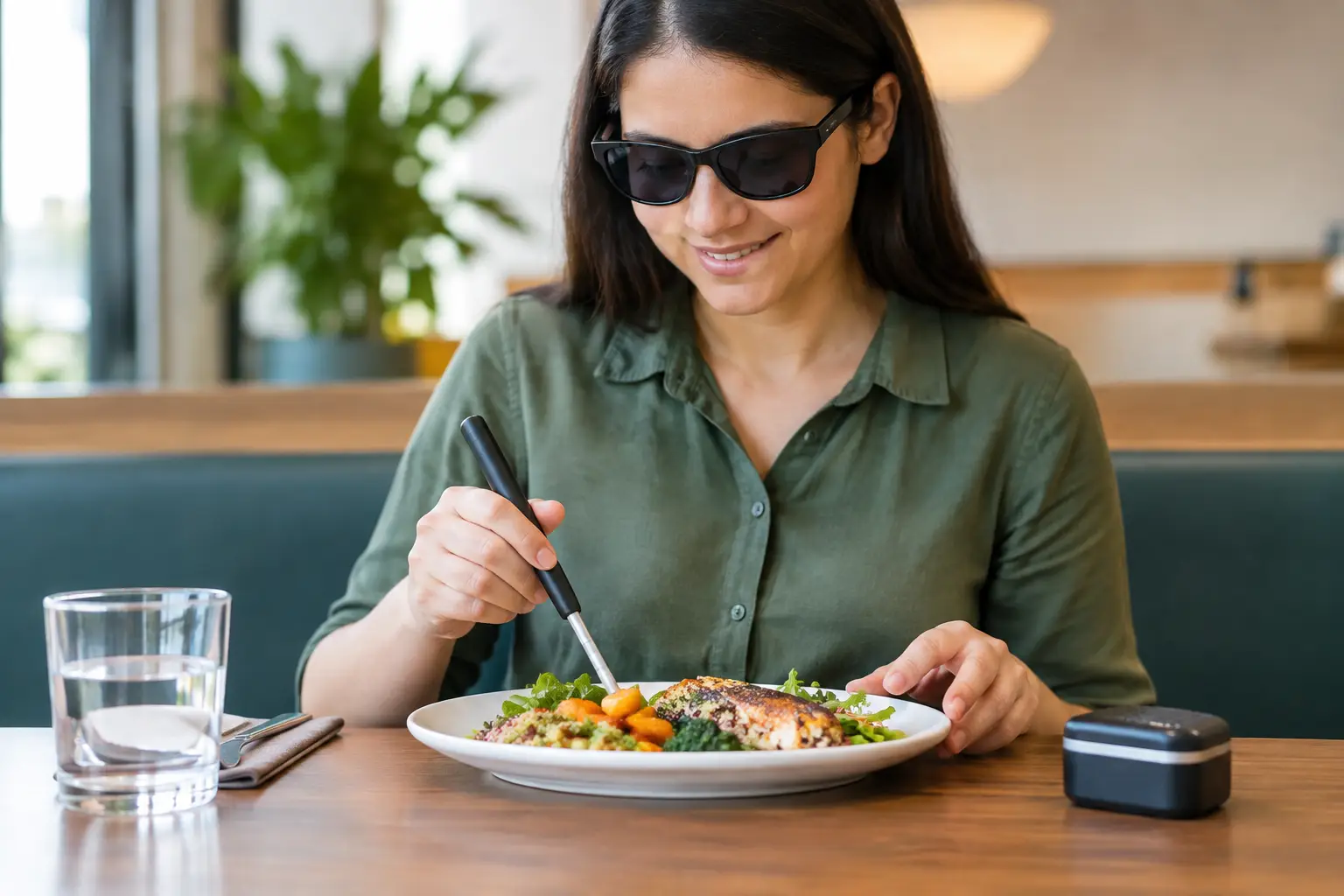
A restaurant meal should not begin with a guessing game. Yet text-heavy menus, QR codes that do not work with screen readers, dim lighting, and rushed ordering can turn a simple dinner out into extra work. The best blind diner tools help people get the same thing every guest deserves: clear information, real choices, and the confidence to order what sounds good.
There is no single tool that works for every blind or low-vision diner. Some people use screen readers every day. Others rely on magnification, high-contrast settings, Braille, a trusted companion, or a conversation with restaurant staff. The goal is not to force one way of dining. It is to make information available in more than one useful format.
What blind diner tools should actually solve
A helpful tool does more than read a menu aloud. It should reduce friction at the moments that shape a meal: choosing a restaurant, understanding what is on the menu, comparing options, placing an order, and confirming what arrives at the table.
For many diners, the hardest part is not the transaction. It is the missing detail. Is the pasta a light appetizer portion or a deep bowl? Does the sandwich come open-faced? Is the sauce on the side, drizzled over the top, or mixed in? What does a “market vegetables” side actually include tonight? Text descriptions can leave a lot unsaid.
That is where accessibility and transparency meet. Restaurants should provide clear descriptions, honest ingredient details, and digital menus that work with assistive technology. Visual information can help too, but only when it is paired with meaningful text or audio context. A photo without a useful description is not accessible information. It is just an unlabeled image.
The tools that make restaurant menus easier to use
Screen-reader-friendly digital menus
A digital menu can be a major win when it is built correctly. A screen reader should be able to move through categories, dish names, prices, modifiers, allergen notes, and checkout controls in a logical order. Buttons need clear labels. A diner should hear “add grilled chicken” rather than “button.”
QR-code menus can work well, but they should never be the only option. A printed menu, staff-ready accessible menu file, or simple verbal walkthrough gives diners a backup when a phone battery is low, Wi-Fi is spotty, or the website is poorly designed.
The trade-off is that a digital menu can become overwhelming when every item is packed with decorative wording, pop-ups, and unclear customization choices. Good accessible design is not about adding more screens. It is about making each step understandable.
Braille and large-print menus
Braille menus remain valuable, especially at locations with regular in-person traffic. They offer privacy and independence without requiring a phone or internet connection. Large-print menus with readable type, strong contrast, and uncluttered layout can be equally important for diners with low vision.
Still, these formats need upkeep. A Braille menu that is three seasons behind the current menu does not solve the problem. If a restaurant changes dishes often, staff should know how to provide an accurate, complete alternative right away.
OCR and text-recognition apps
Optical character recognition, often called OCR, allows a phone camera to identify printed text and read it aloud. It can help with a paper menu, a table tent, a handwritten specials board, or a receipt. For independent diners, it can turn a piece of printed information into something usable in seconds.
Its limits matter. Dim restaurants, glossy paper, cramped fonts, and stylized layouts can cause mistakes. OCR is a strong backup, not a reason for restaurants to skip accessible menus in the first place.
Voice assistants and saved preferences
Voice tools can make searching for restaurant information, checking hours, or reviewing a menu easier before leaving home. Saved dietary preferences, favorite orders, and notes about accessible entrances can also reduce repeat effort.
The key is control. Diners should be able to choose when information is spoken aloud, how quickly it is read, and whether personal preferences are stored. Accessibility should support independence without demanding unnecessary data.
Better food descriptions matter as much as menu access
A dish name is rarely enough. “Crispy chicken bowl” might sound appealing, but it does not tell someone whether the bowl is spicy, whether the chicken is breaded, how large the portion is, or whether the grain base is warm or chilled.
Useful descriptions answer the questions a diner would naturally ask: What is in it? How is it prepared? What does the portion feel like? What are the major textures, flavors, and toppings? Is there an ingredient that changes the experience, such as a very spicy sauce or a soft-cooked egg?
This kind of detail helps blind diners, but it also helps anyone managing allergies, dietary needs, sensory preferences, or decision fatigue. Clear descriptions are not a niche feature. They are better customer service.
Food photos can add another layer of confidence for diners who use visual information. But the value grows when those photos are authentic and paired with details that make sense beyond the image. A real dish photo can show portion size, plating style, and what “loaded” actually means. Its accompanying description should communicate the same practical facts to someone who cannot see it.
Pic-ture That!™ is built around this bigger idea: diners deserve more certainty before they spend money. Community-contributed meal photos can make menu discovery more honest, while accessible descriptions and thoughtful product design help ensure that clarity is not limited to sighted users.
Restaurant staff are part of the accessibility toolkit
Technology cannot fix a dismissive interaction. A knowledgeable, respectful server can make a huge difference, especially when a diner wants help with a changing menu or a detailed question about a dish.
The best approach is simple: speak directly to the diner, ask what kind of assistance would be useful, and describe choices without making assumptions. “Would you like me to read the full menu, describe the popular dishes, or answer questions about a few items?” gives the customer control.
Staff should also be ready to identify where food and drinks are placed, mention very hot plates, and explain table items when requested. Clock-face descriptions can be useful, but not everyone prefers them. Asking first is always better than performing a scripted routine.
What restaurants can do right now
Accessibility improvements do not have to wait for a full redesign. Start by testing the digital menu with a screen reader and keyboard navigation. Make sure QR codes lead directly to a usable page, not a splash screen or inaccessible PDF. Keep an accurate printed or staff-accessible menu available.
Then improve dish descriptions. Remove vague filler and add details customers can use: protein, preparation, portion cues, major ingredients, spice level, and meaningful substitutions. If your restaurant shares food photos, use clear image descriptions that communicate what is on the plate.
Finally, train the team. A restaurant can have excellent technology and still create a frustrating experience if staff do not know how to offer help respectfully. Accessibility works best when it is built into the whole dining experience, from the first menu search to the last bite.
Choosing the right tool for the moment
The most useful setup is usually a combination. A screen reader may be perfect for browsing at home. OCR may help with a specials board. A well-trained server may be the fastest route to a question about today’s soup. Braille or large print may offer the most comfortable experience for another diner.
That flexibility is the point. Blind diners should not have to bring extra patience just to get the information everyone else receives at a glance. When restaurants, menu platforms, and dining communities make room for multiple ways of accessing information, eating out becomes what it should be: social, satisfying, and chosen on your own terms.
The next time you share a meal photo, write a menu description, or recommend a restaurant, include the details that make a choice clearer. Small acts of transparency can give someone a much better seat at the table.
Leave a Reply