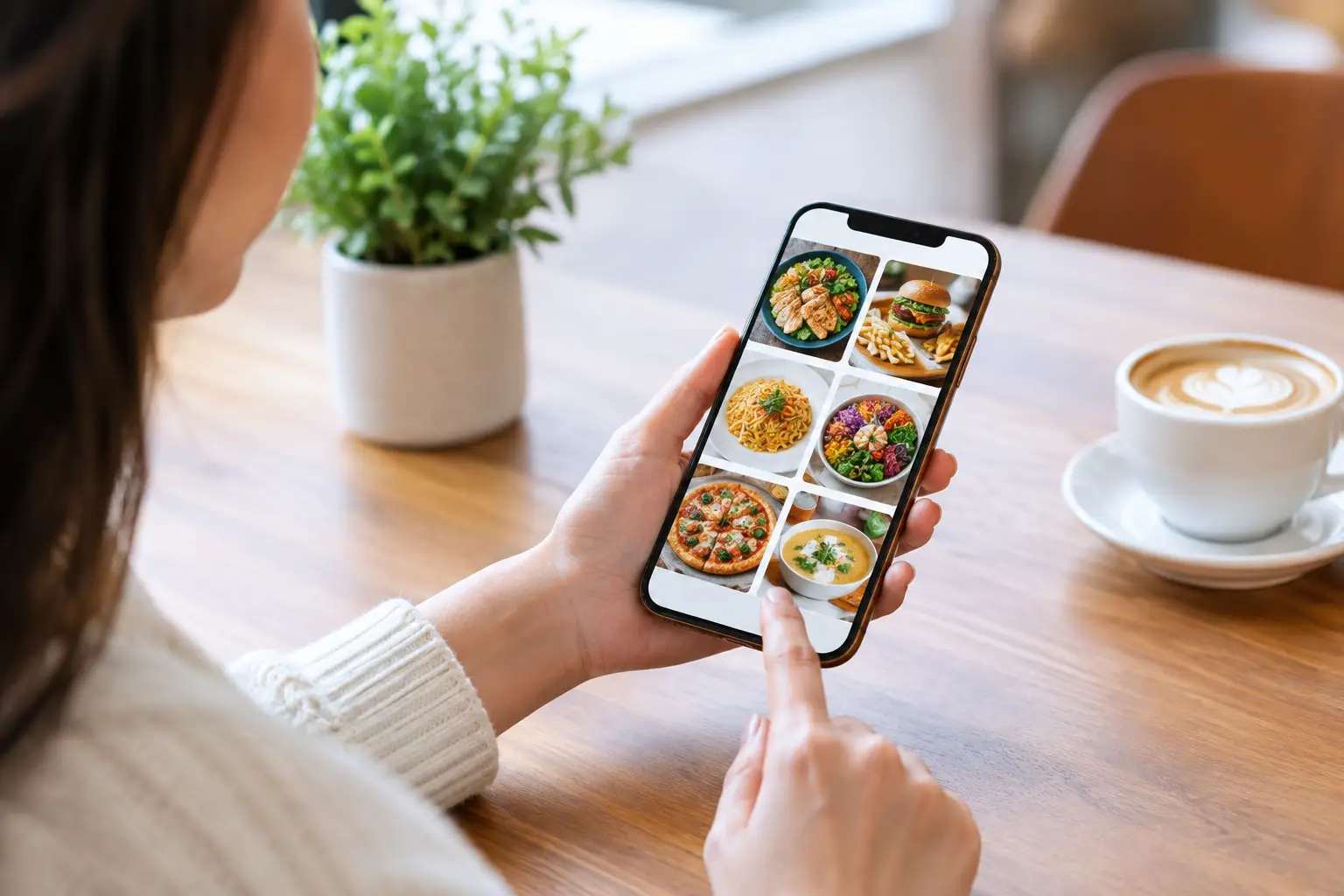
A menu can tell you a dish includes grilled chicken, pickled onions, and a citrus sauce. It usually cannot tell you whether the portion is filling, whether the sauce is light or heavy, or whether the meal looks like something you actually want to eat. Community menu photos close that gap by showing food as diners receive it, not just as a line of text or a styled promotional image.
That difference matters when every restaurant order costs real money, time, and trust. A photo can help someone avoid a disappointing lunch, choose a meal that fits their appetite, or feel less pressure when a menu offers too many unfamiliar choices. For people who experience decision fatigue or need more visual context to make a confident choice, seeing the dish first is not a bonus. It is useful information.
Why community menu photos matter
Restaurant menus were built around descriptions, not certainty. Even a detailed description leaves room for questions: Is the salad entrée-sized? Are the fries seasoned? Does the ramen arrive with a rich broth or a lighter one? Is the “spicy” sauce a garnish or the main flavor?
Community photos offer a more honest starting point. They show the plate, packaging, toppings, sides, and portion size in the moment. A photo taken at a table or after delivery may not have perfect studio lighting, but that is often the point. It can show what a diner is likely to receive.
This is especially valuable for dishes with broad names. A restaurant’s “house burger” can look completely different from one location to another. The same is true for bowls, tacos, sandwiches, pasta, brunch plates, and desserts. Text tells a story. A real photo gives that story shape.
There is also a financial benefit. Ordering an unknown dish can feel like a small gamble, particularly when prices rise and delivery fees stack up. Better visual information helps diners spend with more confidence and waste less food on meals that were never a good fit.
Authenticity beats the perfect food shot
Professional restaurant photography has a place. It can communicate a restaurant’s personality and highlight signature dishes. But it is designed to sell an ideal version of a meal, sometimes with lighting, styling, and portions that do not reflect a typical order.
Community menu photos add a different kind of value: context. They may show how a dish travels in a takeout container, how much rice comes with an entrée, or what the vegan option looks like without the default toppings. That practical detail is hard to capture in a polished campaign image.
The goal is not to treat every community photo as the final word. One image can be affected by a custom order, a seasonal change, or a rushed kitchen. The strongest photo library includes multiple recent images of the same item. When several diners show a similar dish, people can spot the reliable details while still understanding that restaurants are not factories.
That is the trade-off. Community content is more real, but it needs care. Photos should be connected to the correct restaurant and menu item, be recent enough to be relevant, and show the food clearly. A blurry photo of a half-finished plate may be authentic, but it may not help the next person order.
A clearer choice for more kinds of diners
Visual menus support more inclusive dining because people do not process menu information in the same way. Some diners can scan a long menu and decide quickly. Others need a clearer picture before committing, especially when a description is vague or unfamiliar.
For people with visual impairments, images should never replace accessible text, clear labels, or screen-reader-friendly descriptions. A photo-only experience can create another barrier. But high-quality, properly described images can add meaningful context alongside accessible menu information. Inclusion works best when restaurants and platforms offer more than one way to understand a dish.
Photos can also help diners navigate dietary needs and preferences. Someone may want to see how substantial a vegetarian entrée is, whether a salad appears heavily dressed, or how ingredients are arranged before requesting a modification. A picture cannot guarantee allergen safety, and diners should always confirm ingredients with the restaurant. Still, it can make the first decision less uncertain.
Then there is decision fatigue. After a busy day, choosing dinner from dozens of text-only options can feel like work. Seeing a few real examples makes comparison faster. A diner can quickly rule in a comforting pasta, a lighter bowl, or a shareable appetizer without decoding every adjective on the menu.
What makes a useful menu photo
A helpful food photo does not need to be professionally produced. It needs to answer the questions another diner is likely to have. Is this the full dish? What comes with it? How is it presented? Does it look fresh, saucy, crispy, stacked, small, or substantial?
The most useful images are taken in good natural or indoor light, focused on the food, and uploaded with the correct dish name. Including the full plate or container gives more context than an extreme close-up. If there are sides, sauces, or visible substitutions, showing them can help, as long as the uploader makes clear that the order was customized.
A few simple habits make a community library stronger:
- Photograph the food before taking a bite, when possible.
- Capture the whole plate, bowl, or container before zooming in on details.
- Match the photo to the exact menu item and restaurant location.
- Mention meaningful customizations, such as no cheese, extra sauce, or a gluten-free bun.
- Skip images that are too dark, heavily filtered, or unrelated to the dish.
These details protect the usefulness of the community. The point is not to create a personal food feed. It is to give the next diner a more accurate view of what they may order.
Building menu transparency together
A restaurant menu changes constantly. Ingredients run out, portions shift, new specials appear, and old favorites return with a different presentation. That makes a community-powered approach especially valuable. Diners can help keep the visual record current in a way a one-time photo shoot cannot.
It also creates a more balanced picture of a restaurant. Instead of seeing only the items chosen for marketing, future diners can see what people actually order: the weekday lunch special, the kids’ meal, the delivery-friendly favorite, and the under-the-radar side that deserves attention.
At Pic-ture That!™, contributing a photo is part of making restaurant ordering more transparent and accessible. It is a small action with a practical payoff for someone else, and contributors can earn rewards such as restaurant gift cards along the way. The community grows one useful image at a time.
Restaurants benefit from this clarity, too. Better-informed customers are more likely to order dishes that suit their expectations. That can mean fewer unhappy surprises and more confidence around items that are hard to describe, new to the menu, or visually distinctive.
Photos should inform, not overpromise
Even the best community photo comes with limits. Food presentation can vary by location, time of day, ingredient availability, and custom requests. A photo should help set expectations, not promise an identical plate every time.
That is why recency and variety matter. A recent image from the correct location is generally more useful than an older, perfectly composed image with no context. Multiple photos help diners recognize the range while still seeing the core dish. When a menu item has changed, updating or replacing old photos keeps the experience trustworthy.
The best visual menu communities are built on honesty. Show the meal clearly. Label it accurately. Leave room for the real-world variation that comes with restaurant kitchens and human hands.
The next time a menu leaves you guessing, look for the image that answers the question the description cannot. And if your meal gives someone else that same clarity, share it. A single photo can turn an uncertain order into a choice that feels right.
Leave a Reply