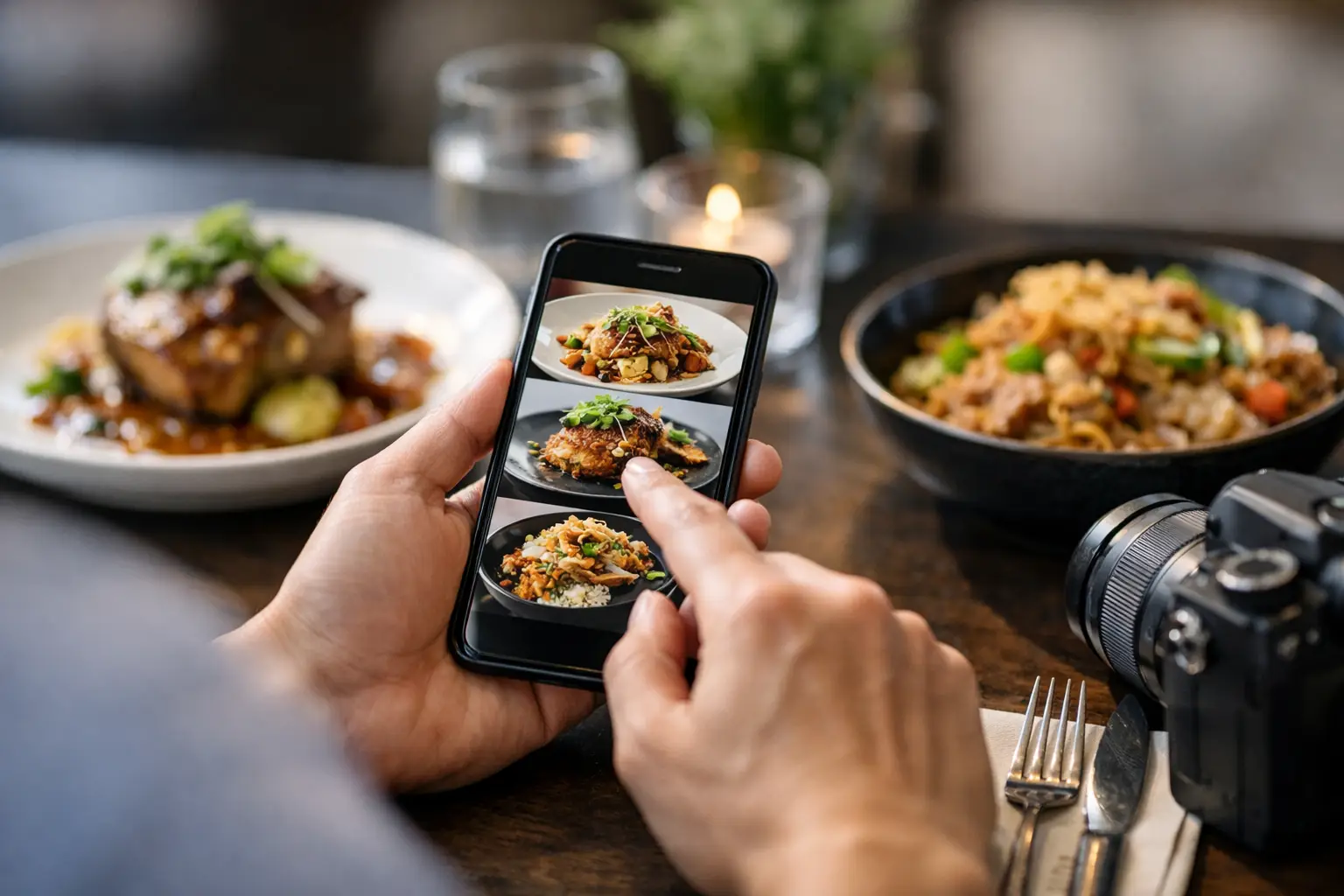
A menu can tell you a dish is “crispy,” “loaded,” or “chef’s favorite.” That still does not tell you whether the portion is small, the sauce is heavy, the toppings are missing, or the meal looks anything like what you want. Knowing how to verify dish appearance before you order gives you more control over your money, your meal, and your dining experience.
For many diners, this is more than a nice extra. Real dish images can reduce decision fatigue, help people communicate preferences, and make restaurant ordering more accessible. The goal is not to judge food by whether it looks perfect. It is to get a clear, honest sense of what will arrive at your table or door.
Start With Real Photos, Not Marketing Images
A polished restaurant photo can be useful, but it should not be your only source. Promotional images are often styled under studio lighting, plated with extra care, and photographed long before the dish reaches everyday customers. They show a restaurant’s intention, not always its typical serving.
Look for recent photos taken by diners. These are more likely to reveal the actual portion size, the container or plate, the amount of sauce, the side dishes, and the way ingredients are distributed. A phone photo may not be glamorous, but it can be far more helpful when you are deciding whether a $20 entrée is right for you.
Pay attention to whether multiple customer photos tell the same story. One photo can be an outlier. Five photos showing a compact burger, a generously filled burrito, or a salad with dressing served on the side give you a stronger signal.
Authentic images also help separate menu language from menu reality. “Spicy” does not show how much chili oil is on the plate. “Seasonal vegetables” does not tell you which vegetables you will get. A real photo can make those details visible before you commit.
How to Verify Dish Appearance With a Quick Photo Check
You do not need to investigate every lunch order like a food critic. A fast, consistent check can help you order with more confidence. Start by matching the photo to the exact menu item, then look beyond the center of the plate.
First, confirm the dish name and major ingredients. Restaurants may offer several versions of the same item, such as a chicken bowl, spicy chicken bowl, and grilled chicken bowl. A photo of the wrong variation can create the same disappointment as no photo at all. Check for obvious differences in protein, sauce, toppings, bread, or sides.
Next, use visual context to estimate size. Plates, takeout containers, utensils, cups, hands, and tables can all provide a useful sense of scale. This is not an exact measurement, and portions can change, but it is often enough to tell the difference between a shareable appetizer and a light snack.
Then look at the balance of the dish. Is the protein actually visible? Are the vegetables a garnish or a meaningful part of the meal? Does the pasta appear coated in a light sauce or sitting in a deep pool of cream? These details matter when you are choosing based on appetite, dietary preferences, or simply what sounds satisfying.
Finally, check when the photo was posted. A recent image is usually more reliable than one from years ago, especially for restaurants that change menus, suppliers, packaging, or portioning. If recent photos look very different from older ones, trust the current evidence and consider asking the restaurant a quick question.
Look for the Details Menus Leave Out
Text menus are built to be short. They cannot always explain every visual detail that affects an order. Photos can fill in those gaps, but only if you know what to look for.
For sandwiches, burgers, and wraps, check the bread-to-filling ratio, whether the ingredients are layered evenly, and whether sides are included. For bowls, inspect the base. A bowl described as rice, greens, and protein may be mostly rice, mostly greens, or half empty beneath a pile of toppings.
For pasta, curries, soups, and saucy dishes, notice the consistency. Is the sauce thick, brothy, creamy, or oily? Does the dish arrive mixed together or with components separated? That can make a major difference for someone who dislikes certain textures or needs to avoid an ingredient that is difficult to pick out once served.
For salads and veggie-forward meals, look for ingredient variety and preparation. A menu may promise roasted vegetables, but a photo can show whether they are large pieces, finely chopped, fresh, grilled, or served cold. It can also reveal if cheese, nuts, croutons, or dressings are already added.
Desserts deserve the same attention. A slice of cake may be individual-sized or large enough to share. A milkshake may be topped with ingredients that are not listed. When spending decisions add up, seeing the actual presentation helps prevent small surprises from becoming frustrating ones.
Use More Than One Source When the Order Matters
It depends on the stakes. If you are grabbing a familiar coffee and pastry, one clear recent photo may be enough. If you are ordering for a group, managing a food sensitivity, trying a new cuisine, or choosing a meal for a special occasion, take a few extra minutes to compare sources.
Restaurant social posts can show current dishes, but they are still curated. Delivery-app photos may be helpful, though they can sometimes be outdated or attached to a similar item. Community photo collections are especially valuable when they connect images to a specific restaurant, menu item, and diner experience.
When photos conflict, do not assume one is dishonest. Portions may vary by location, lunch versus dinner service, seasonal availability, or whether a customer added modifications. Instead, look for the most consistent features. If every photo shows a large bowl but toppings vary, you can likely trust the bowl size while treating the toppings as flexible.
If you still cannot tell, call or message the restaurant with one focused question: “Does the salmon entrée come with the vegetables shown in the photo?” Clear questions are easier for staff to answer than broad requests to describe an entire plate.
Make Dish Appearance Part of Accessible Ordering
Visual information should not be reserved for diners who can easily interpret a styled image. Accessible ordering means giving people meaningful ways to understand what a meal includes, how it is presented, and what to expect.
For diners with visual impairments, useful dish information may include clear image descriptions alongside photos. A description such as “a wide white bowl holding short noodles, grilled chicken strips, broccoli, and a light brown sauce” offers more practical value than “delicious chicken pasta.” It identifies the components and arrangement without overselling the meal.
For people who experience decision fatigue, photos can reduce the mental work of translating vague menu copy into a real meal. Seeing a dish may make the choice easier, especially when comparing similar options. The best visual menu tools pair accurate photos with plain-language descriptions, ingredient details, and easy ways to filter choices.
That is why transparency matters. A photo is not just a sales tool. It can be information that helps people participate more confidently in everyday dining.
Help Build Better, More Honest Food Photos
If you find a dish photo that truly matches what arrived, it can help the next person make a better choice. Community contributions are most useful when they are accurate, recent, and tied to the correct dish.
Take the photo in ordinary lighting when possible, and include enough of the plate or container to show scale. Capture the meal before it has been heavily altered, but do not worry about making it look professionally styled. The point is to show what a real customer received.
If you add a note, keep it specific. Mention meaningful changes like added avocado, dressing on the side, a substituted side, or a half portion. Those small details protect the usefulness of the photo without turning your post into a full review.
Pic-ture That!™ is built around this kind of community-powered clarity: real meal photos that help diners see before they spend, while giving contributors a chance to earn restaurant gift cards. Each accurate upload can make a menu more useful for someone who needs more than a clever description.
The next time a menu leaves you guessing, pause before placing the order. Look for the real plate, notice the details that matter to you, and choose the meal you can actually picture enjoying.
Leave a Reply